Looking for a free office suite? On the LibreOffice blog, you'll find practical guides, instructions, and comparisons to help you use Writer, Calc, Impress, and other tools effectively. Learn how to work faster,…
You already know all the LibreOffice modules. Have you been using Writer, Calc, Impress, Draw, Base, and Math? Great! Now it’s time for the final part…
Do you want LibreOffice to perform repetitive tasks for you? With macros, it’s possible! In this part, you will learn the basics of automation—from creating your…
LibreOffice Base is a powerful tool for creating databases—ideal for home users, teachers, librarians, small businesses, or anyone who wants to organize data… without writing SQL…
LibreOffice Math is a simple and intuitive editor for mathematical formulas. It allows you to create clear equations that can be easily inserted into text documents…
LibreOffice Draw is a free tool for creating vector graphics—ideal if you want to quickly prepare a diagram, flowchart, mind map, flyer design, or a simple…
Inserting text, images LibreOffice Impress is a free and versatile alternative to Microsoft PowerPoint. It allows you to create multimedia presentations—from simple informational slides to animated…
After installation, LibreOffice is immediately ready to use. However, it is worth spending a few minutes to adjust it to your needs. As a result, using…
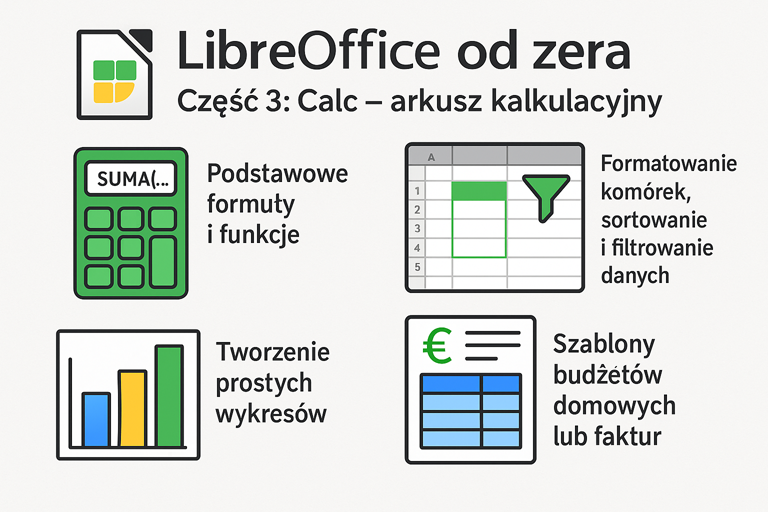
LibreOffice Calc is a free and highly functional spreadsheet that is an excellent alternative to Microsoft Excel. In this part, you will learn basic formulas, data…