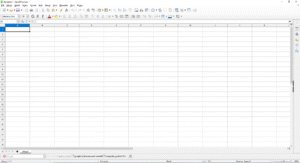
LibreOffice v 26.2.0
LibreOffice is a free office suite that includes six main modules: Writer, Calc, Impress, Draw, Base, and Math. As a result, users have access to tools for creating documents, spreadsheets, presentations, graphics, and databases. Furthermore, the suite runs on Windows, macOS, and Linux. It is popular, free, and easy to use, making it an excellent alternative to Microsoft Office. For this reason, it is widely used by individuals, businesses, and educational institutions alike.
LibreOffice Modules — What do they offer?
Frequently Asked Questions - FAQ
Is LibreOffice 26.2 free?
Yes, LibreOffice is completely free and available under an open-source license (MPL/LGPL).
What is the difference between the Still and Fresh versions?
“Still” is the more stable version, recommended for businesses and institutions. “Fresh” features the latest functions—for enthusiasts and those wanting to test new features sooner.
How can I go back to an older version?
Simply uninstall the current version and download an older one from the archive on The Document Foundation website. It is also recommended to keep a backup of your user profile.
Blog
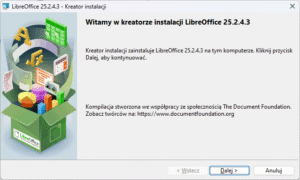
How to install LibreOffice on Windows 11 – step-by-step instructions
LibreOffice from Scratch – Part 5: Draw – Vector Graphics
LibreOffice from Scratch – Part 4: Impress – Presentations
LibreOffice from Scratch – Part 2: Writer – Word Processor
LibreOffice from Scratch – Part 1: Configuration and Interface Customization
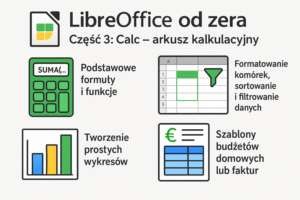
LibreOffice from Scratch – Part 3: Calc – Spreadsheet
LibreOffice – a free alternative to paid office suites
LibreOffice Math – A Powerful Tool for Creating Mathematical Notation