


What modules are built into LibreOffice?
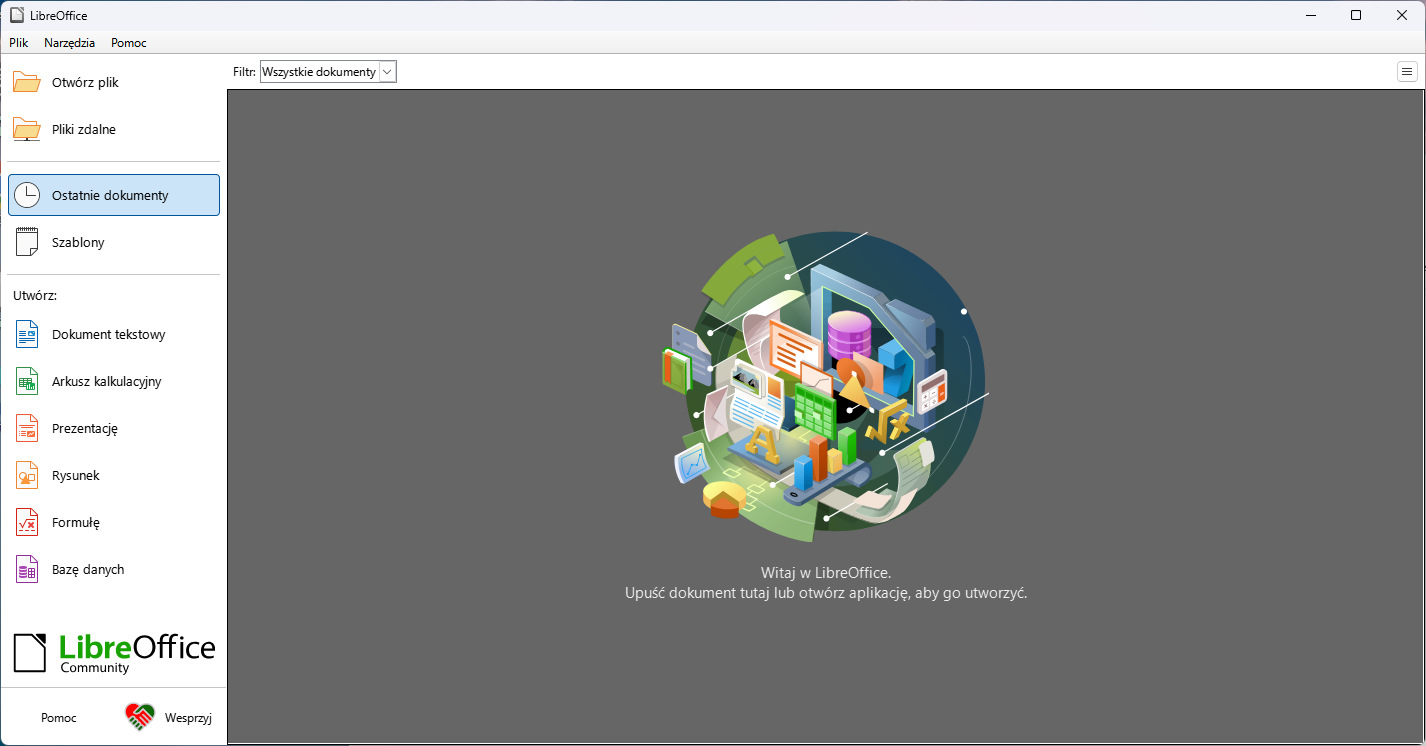
The LibreOffice suite includes many built-in modules that provide a variety of features and tools. Each of them serves a different purpose, allowing users to create, edit, and manage various types of documents.
Below is a brief description of the main LibreOffice modules.
Writer – word processor
The Writer module is a word processor, equivalent to Microsoft Word. It enables users to create letters, reports, articles, or CVs.
Moreover, it offers advanced editing tools such as font changes, text alignment, page numbering, and table of contents creation.
Calc – spreadsheet
Calc is the equivalent of Excel, a module for creating spreadsheets.
Users can perform calculations, create charts, sort and filter data. Additionally, advanced analytical and mathematical functions are available.
Impress – presentation creation
The Impress module is used to prepare multimedia presentations.
Like PowerPoint, it allows users to add slides, text, images, animations, and transition effects.
Furthermore, it enables full-screen presentation mode and export to PDF or video file.
Draw – vector graphics and diagrams
Draw is a tool for creating vector graphics, technical drawings, and posters.
Users can draw, edit objects, add 3D effects, and export files to various formats. Thanks to this, Draw is suitable for both office and technical work.
Base – database management
The Base module is used for creating and managing databases.
It works similarly to Microsoft Access. It allows users to build forms, reports, queries, and relationships.
Importantly, it supports various data sources, including CSV files, spreadsheets, as well as MySQL, PostgreSQL, or HSQLDB engines.
Other modules – Math and more
LibreOffice also offers other tools, such as:
Math – for creating and editing mathematical equations,
Base – the previously mentioned database module, integrated with the other applications.
Integrated suite – full control
All modules in LibreOffice are part of one integrated suite.
Thanks to this, users can easily switch between applications and use a complete set of office tools.