


LibreOffice Draw: Creativity in Graphic and Illustration Design
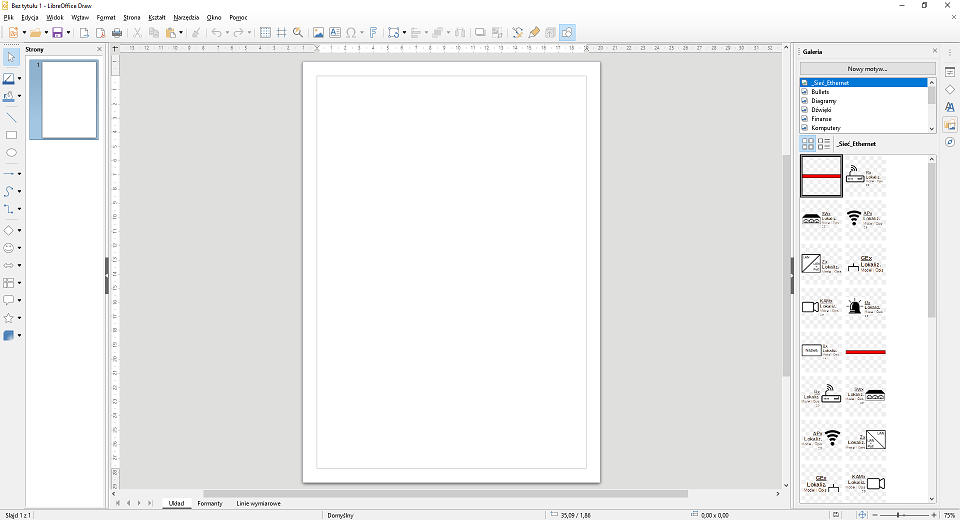
LibreOffice Draw is a module within the LibreOffice suite that offers advanced tools for creating graphics and illustrations.
This free and open-source software allows users to design various visual forms—from charts and diagrams to technical drawings, posters, or marketing graphics.
In this article, we will take a closer look at the key features of LibreOffice Draw.
Intuitive drawing tools
Draw provides a wide range of graphic tools.
Users have access to:
-brushes,
-ines,
-curves,
-geometric shapes.
Thanks to this, they can create their own projects from scratch or modify existing ones.
Additionally, it is possible to add colors, gradients, textures, and graphic effects. All of this enhances and diversifies the appearance of the created illustrations.
Working with layers
One of the key features of Draw is support for multiple layers.
Users can:
-create additional layers,
-edit them independently,
-hide or remove them without affecting other elements of the project.
-As a result, working on graphics becomes more flexible and organized.
Import and export of files
LibreOffice Draw supports importing graphics from other programs.
Users can edit files and export finished projects to formats such as SVG, PNG, PDF, and many others.
Thanks to this, it is easy to share the results of your work or publish them in various media.
Editing and graphic effects
The program also enables basic image processing:
-cropping,
-scaling,
-rotating,
-blurring,
-cloning.
In addition, Draw offers special effects such as shadows, transparency, and 3D simulation.
This makes projects look more professional.
Technical applications
Draw is not only a graphic tool—it also performs very well in technical applications.
Architects, engineers, and designers can use it to create:
-precise technical drawings,
-plans,
-schematics and diagrams.
They have access to grids, guidelines, and object management features that make accurate element placement easier.